Introduction
WhatsApp is one of the most widely used messaging apps in the world, relied upon by millions for personal and business communication. However, in some cases, users may encounter an annoying problem: the message "This account cannot use WhatsApp" appears. This message means that the number has been blocked by WhatsApp management after reviewing its activity, which is shocking for any user who relies heavily on this app.
In this article, I will share my personal experience with this problem and how I was able to recover my blocked number after a long period of waiting and communicating with the support team. I will also provide some important tips to avoid recurring this problem in the future, referencing WhatsApp's official policies and external links to reliable sources that will help you understand the issue more deeply.
Also read: How to recover a deleted WhatsApp account or how to create two WhatsApp accounts on the same device!
The beginning of the problem: The message "This account cannot use WhatsApp" appears
One day, I was surprised by a message when trying to log into my WhatsApp account that said: "This account cannot use WhatsApp." I didn't know at the time that this message meant the number had been permanently blocked by the company.
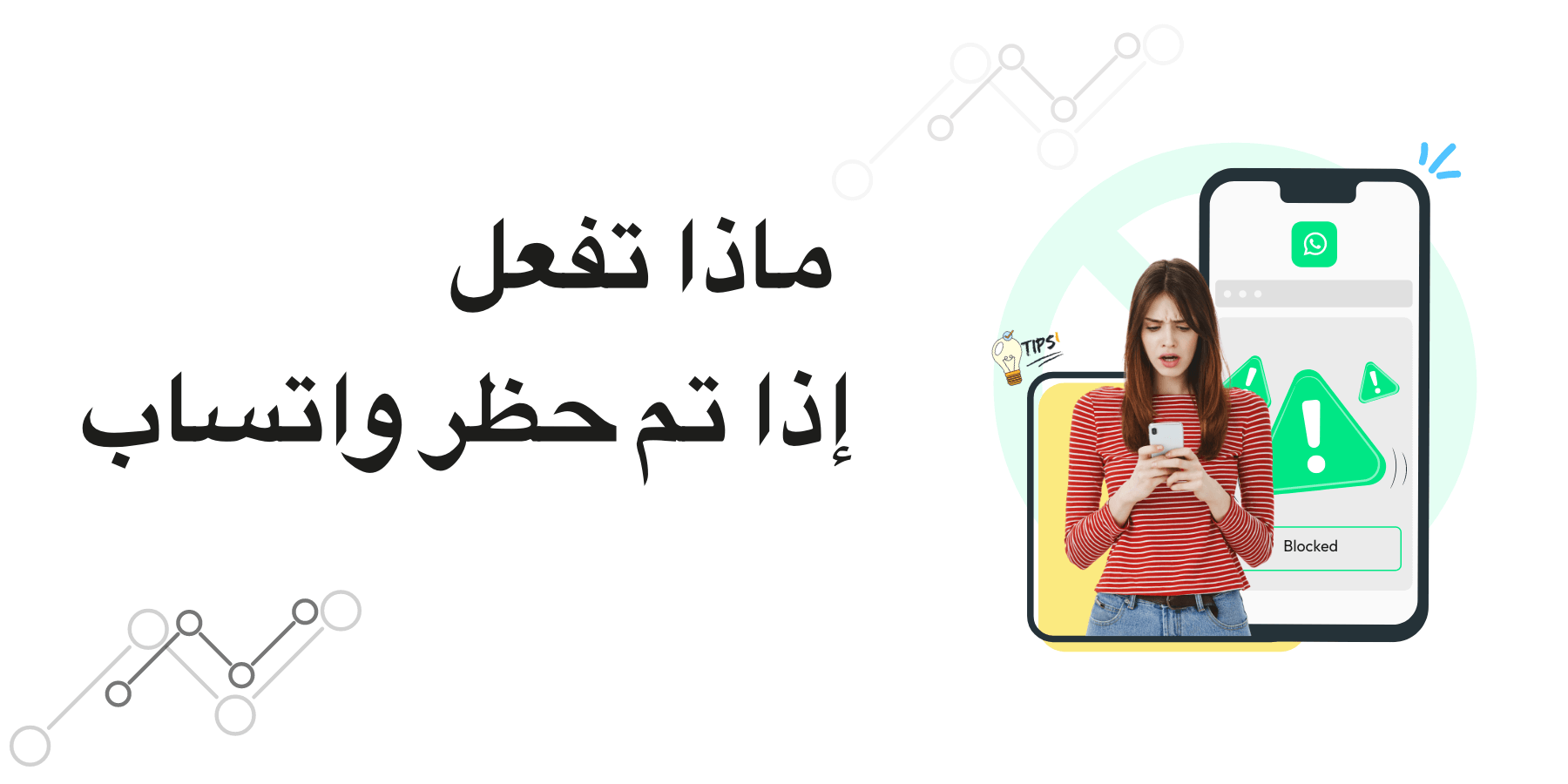
Explanation of the problem of blocking a WhatsApp number with the message "This account cannot use WhatsApp" and a worried man.
My personal experience with the "This account cannot use WhatsApp" problem and how I was able to recover the number after it was blocked.
This alert usually appears when WhatsApp detects that the account has violated one of its terms of service or policies, such as:
Using modified WhatsApp applications (such as GBWhatsApp or WhatsApp Plus).
Sending random or annoying bulk messages (spam).
Receiving a large number of reports from other users.
Using the account for unauthorized commercial purposes.
However, in my case, I wasn't sure of the actual reason, especially since I hadn't used any modified version or sent spam messages, so I received the message "This account cannot use WhatsApp."
My initial reaction: Wait.
After the message appeared, I took no action for 7 full days. I was frustrated and unsure of what to do. Some people advised me to create a new account with another number, but I relied on my primary number for everything, from personal conversations to work, so I didn't want to lose it.
Contacting WhatsApp Support
A week later, I decided to contact the WhatsApp support team via email. I explained my situation and explained that I wasn't aware of WhatsApp's policies and that I desperately needed the number in my daily life. I sent only one message, in a calm and formal manner.
It's important to note here:
Sending multiple messages to support may hurt your chances of recovering your number.
Your message should be clear, honest, and devoid of emotion.
Useful link to contact support: WhatsApp Help Center.
Patience and the Long Wait
After sending the message, I didn't receive a direct response from WhatsApp. I decided not to push or send additional messages. I waited patiently for about a month and 10 days.
In the end, I was surprised to find my WhatsApp account restored and the number working again. But it was different:
The account was back as good as new. All previous messages and conversations disappeared.
It was as if the company had given me a new opportunity to start from scratch.
Lessons Learned from My Experience
1. Understand WhatsApp Policies
One of the most important lessons I learned is the need to regularly review WhatsApp's policies. The company does not tolerate any violations. You can read more about them at: WhatsApp Terms of Use.
2. Avoid Using Modified Versions
Many users resort to unofficial versions, such as GBWhatsApp, because of their added features. However, these versions expose your account to immediate ban. I strongly advise against using them.
3. Send Messages with Caution
If you use WhatsApp for business or marketing, avoid sending random bulk messages. WhatsApp considers this a form of spam and can lead to bans.
4. Patience is Key
If you are banned, do not send repeated messages to the support team and do not recklessly attempt to create alternate accounts. Patience while submitting an official request may be the best solution.
5. Backups are Essential
Unfortunately, when my number was returned, I lost all my conversations. Therefore, I advise everyone to regularly backup their chats via Google Drive or iCloud to avoid data loss.
When does the "This account can't use WhatsApp" message appear?
This message may appear in several cases:
Violation of user policies.
Repeated suspicious behavior, such as adding random people to groups.
Receiving numerous complaints from contacts.
Using third-party software to manipulate functionality.
Tips to avoid future bans
Don't use fake or virtual numbers.
Don't share suspicious links or illegal content.
Stick to using the official app from approved stores (Google Play or App Store).
If you use WhatsApp for business, rely on the official WhatsApp Business version.
Useful links for further reading
WhatsApp Terms of Service
WhatsApp Help Center
How to recover your WhatsApp account
Conclusion
My experience with the "This account can't use WhatsApp" message was difficult but full of lessons. I learned that patience, adherence to policies, and formal communication with the support team is the right way to recover your account. When my number was restored, I felt it was a new opportunity that I should seize with greater caution.
I advise anyone facing this problem not to give up quickly, but rather to follow the correct steps and wait for a solution from the company. Despite its strictness, WhatsApp offers a second chance to those who adhere to the rules.
